Send professional quotations to clients. When they approve, convert the quote to an invoice in one click — every line item, amount, and note carries over automatically.

Every quote is a polished PDF with your line items, SST, and totals laid out clearly — the kind of document that makes a small business look established. The same data converts straight into an invoice once approved.
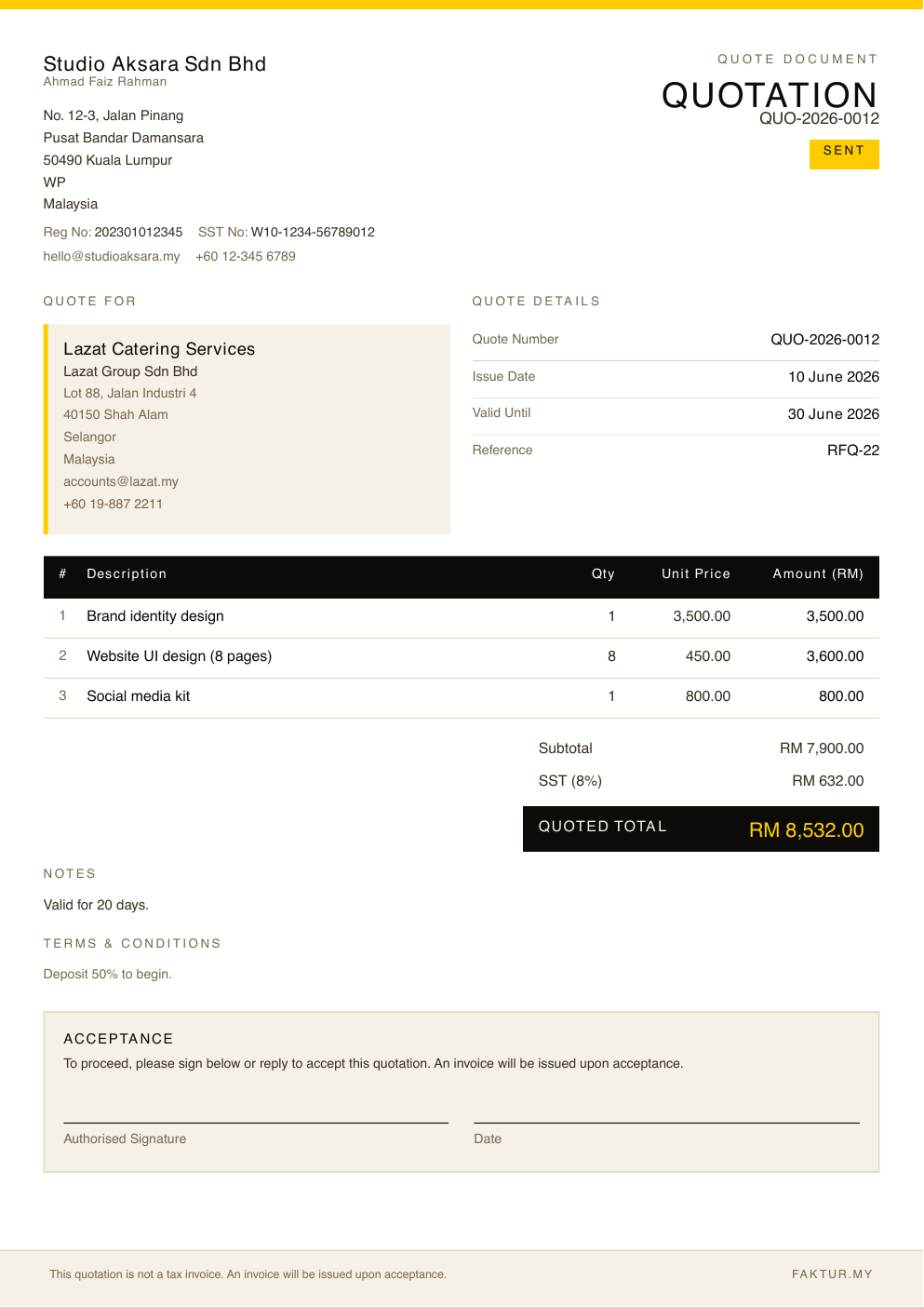
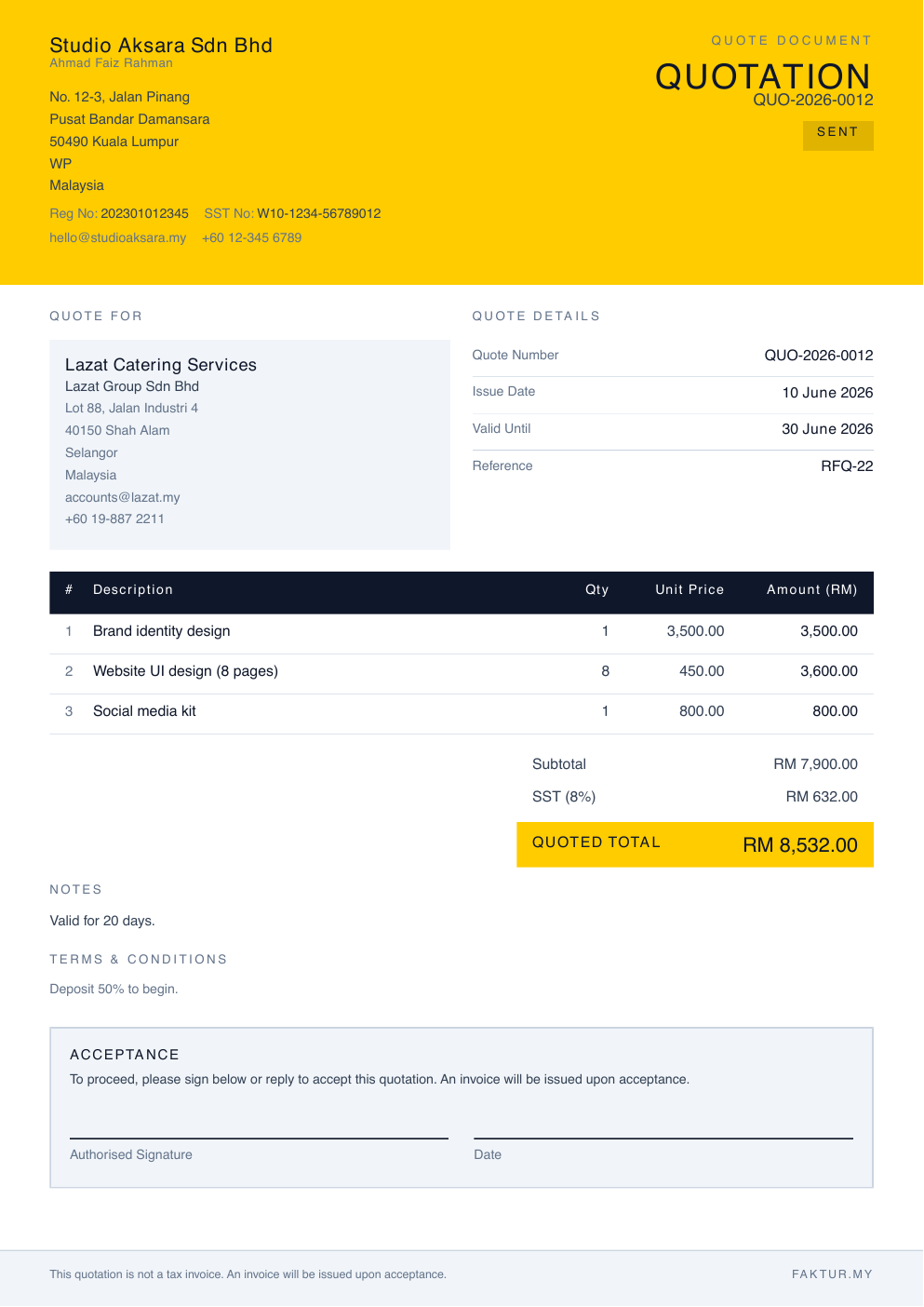
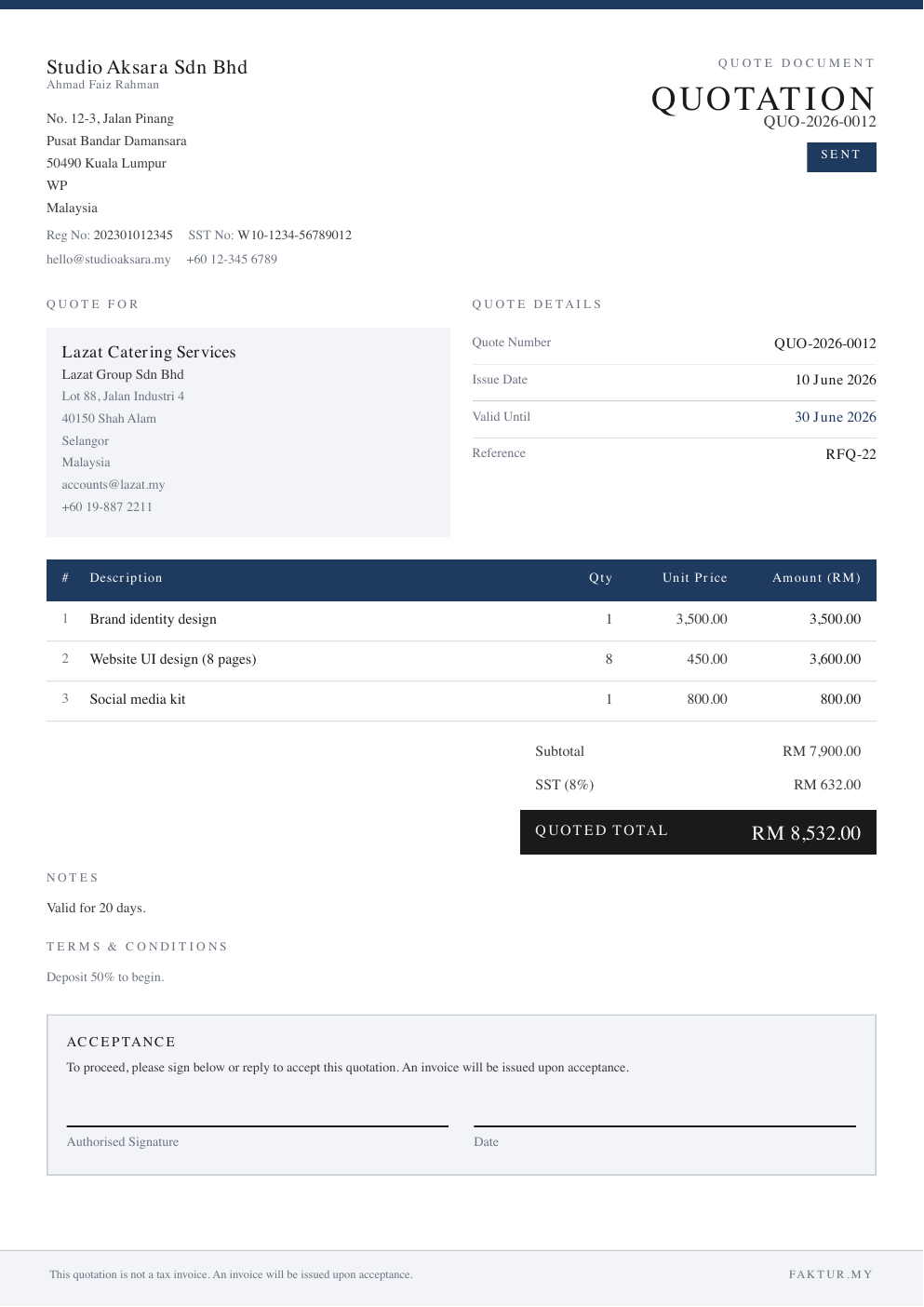
Quotations share the same template library as invoices — your branding stays consistent across both.
Select your client, add line items with descriptions and prices. Apply SST if applicable.
Download the PDF or send directly by email. Your client receives a professional branded document.
Mark the quote as accepted when your client confirms. Track the status — draft, sent, accepted, or declined.
Click "Convert to invoice" and everything carries over. No retyping, no errors, no wasted time.
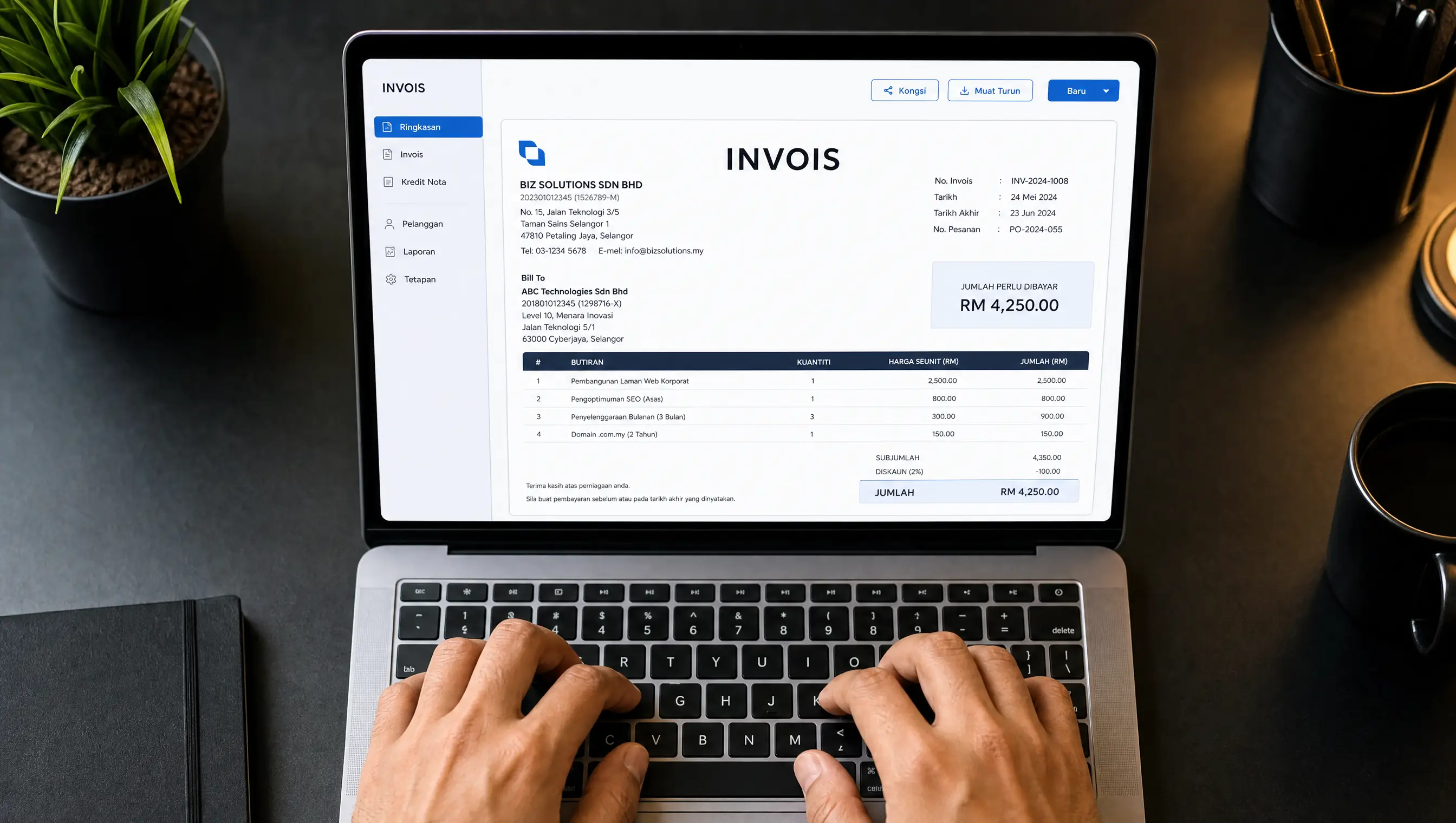
When a client approves a quote, the same data — line items, amounts, SST, client details — flows directly into a new invoice. You set the invoice date and due date. Everything else is already there.