
Store your client's Business Reg No, billing address, and bank details once. Every invoice and quote you create auto-fills from the record — no more retyping the same details for every document.

Full billing address used on every invoice and quote. Change it once in the CRM and all future documents use the updated address.
Store the client's business registration number (SSM / ROB). Appears on invoices for formal business transactions.
Track whether a client is SST-registered and their SST number. Useful for B2B transactions where SST treatment differs.
Primary contact name, email, and phone number. Used to send invoices and quotes directly to the right person.
Store the client's bank account details for reference — useful when making payments or reconciling records.
Every invoice and quote you create for a client is linked to their record. See the full history from the customer page.
Every customer record links to their full invoice history — so you can generate a statement of account in seconds. It shows what's paid, sent, and overdue, with the outstanding balance totalled at the bottom.
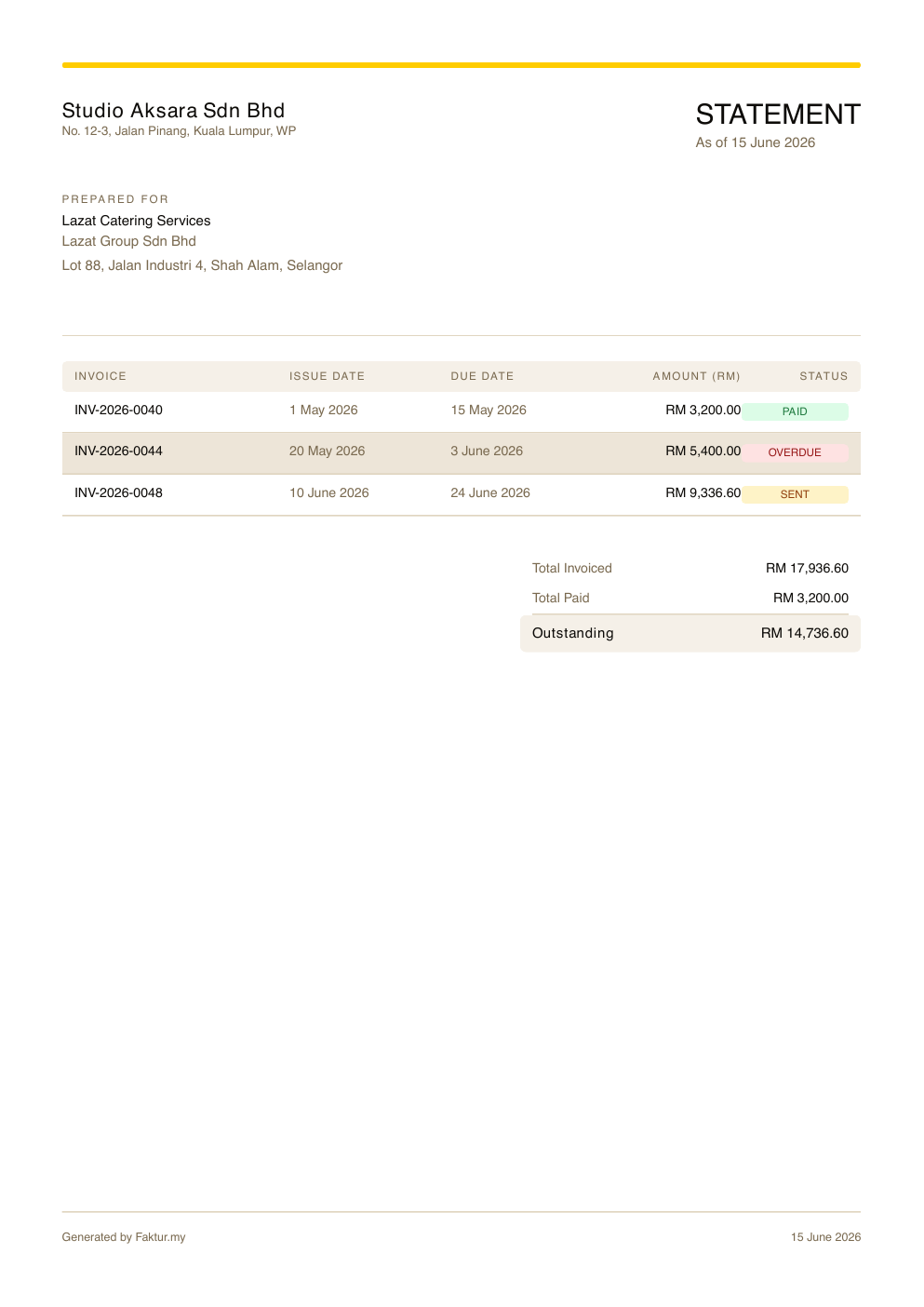
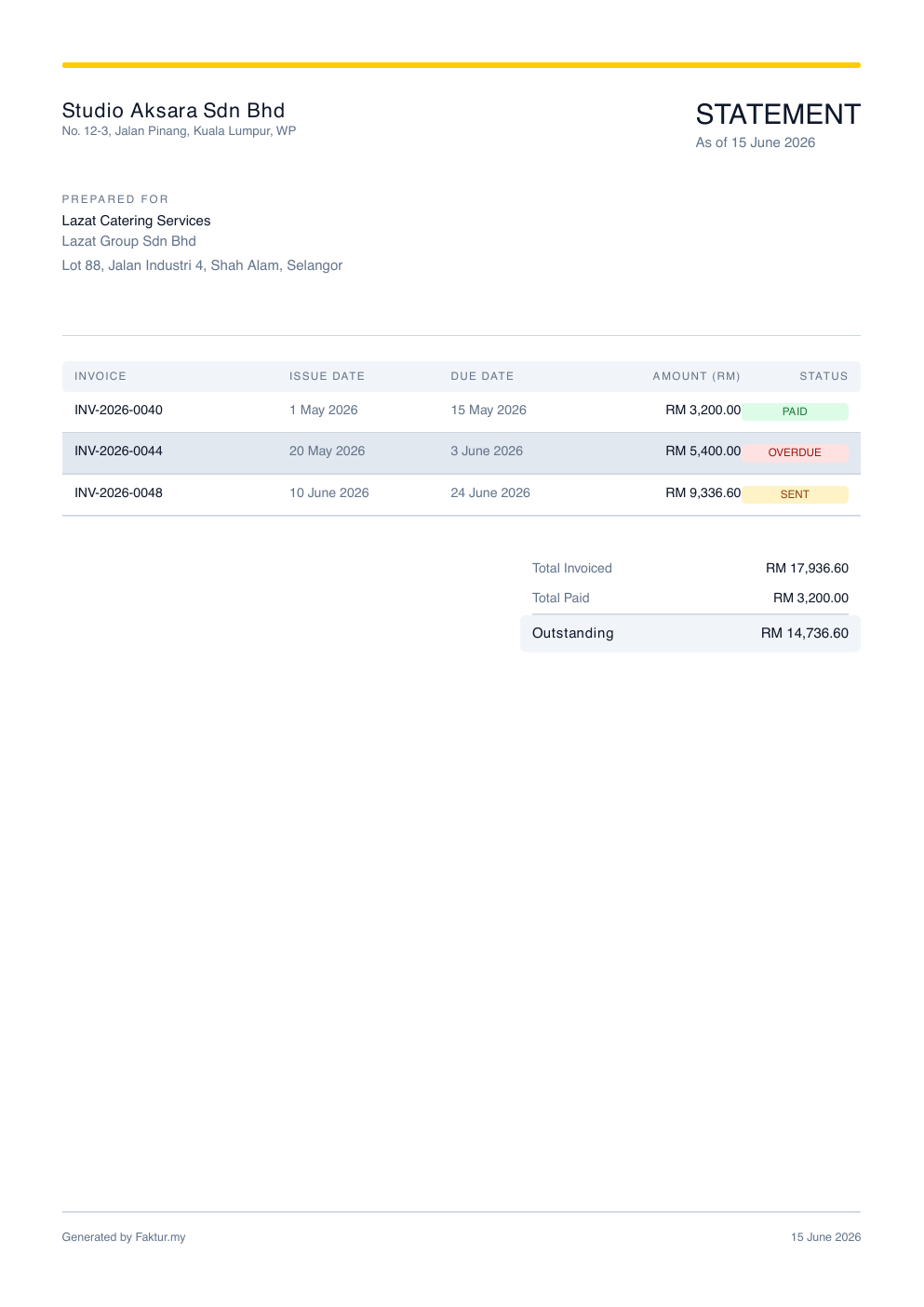
Perfect for following up on late payers — one document shows a client exactly what they owe.
When you create an invoice or quote, just select the client from your list. Their company name, billing address, Business Reg No, and contact details fill in instantly — no copy-pasting, no retyping.
If a client moves office or changes their SST registration, update it once in their record. Every future document will use the new details automatically.
Try it free →
Free download · Up to 20 customers on free plan